Case Work · Feature
OCR for Court Papers
Turn scanned bundles into clean, searchable text for AI workflows.
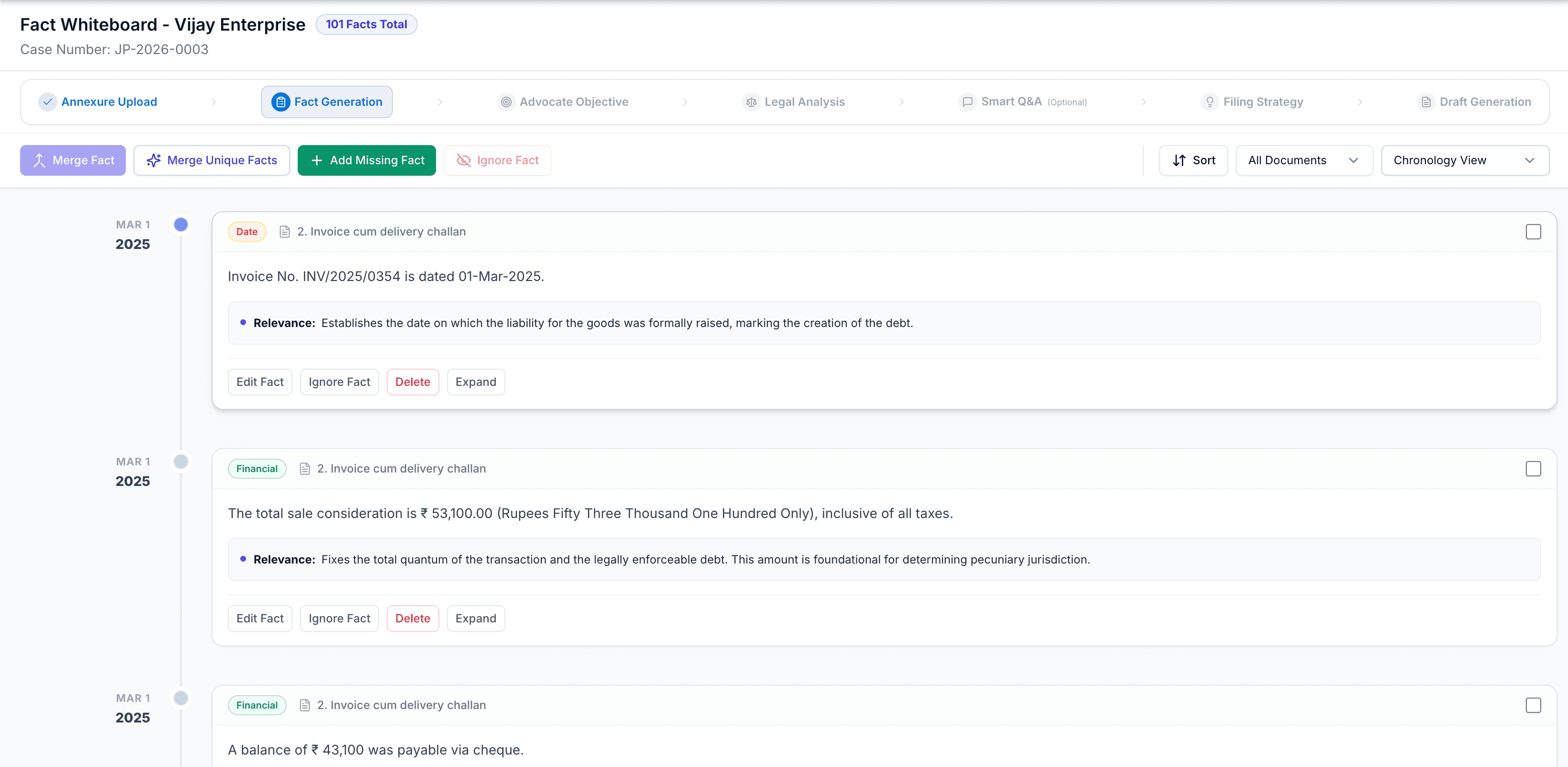
In practice
What this feature is for
OCR is built into evidence upload so scans become first-class inputs for extraction, Q&A, and drafting. Half of Indian litigation still arrives as scans and photocopies.
The gap
What slows you down
Half of Indian litigation still arrives as scans and photocopies.
How CaseClarity helps
The solution
OCR is built into evidence upload so scans become first-class inputs for extraction, Q&A, and drafting.
Benefits
What you gain on a real matter
Scanned PDF and image support
Searchable text for the matter
Feeds fact extraction automatically
Less manual retyping of annexures
Workflow
How the work actually moves
Follow these steps inside CaseClarity — each one feeds the next so you never restart from a blank page.
Upload scan
Photo or PDF of the court paper.
OCR runs
Text is extracted and stored on the document.
Verify
Spot-check names, amounts, and dates.
Proceed
Use extracted text across AI features.
Why it matters
Built for Indian litigation pressure
OCR is not a bolt-on tool. It lives on the matter so seniors can review, juniors can execute, and nothing important is trapped in a private WhatsApp thread. Every output is meant to be edited by counsel before filing.
- Grounded in documents you upload — not invented case facts
- Firm-scoped access with encryption and isolation
- Fits plaintiff and defendant work where the product supports it
Best used when
- You need ocr without leaving the matter file.
- You want juniors to work inside a standard process seniors can trust.
- You are tired of restarting drafts from empty templates.
- You want this step to feed analysis, Q&A, or drafting automatically.
FAQ
OCR FAQ
Back to the full capability map.

Open a matter today
Put OCR to work on your next file.
Create an account and run it on a real matter — not a demo toy.